
Use your inbox and notification bell
- Open Messages in My account, or select the notification bell.
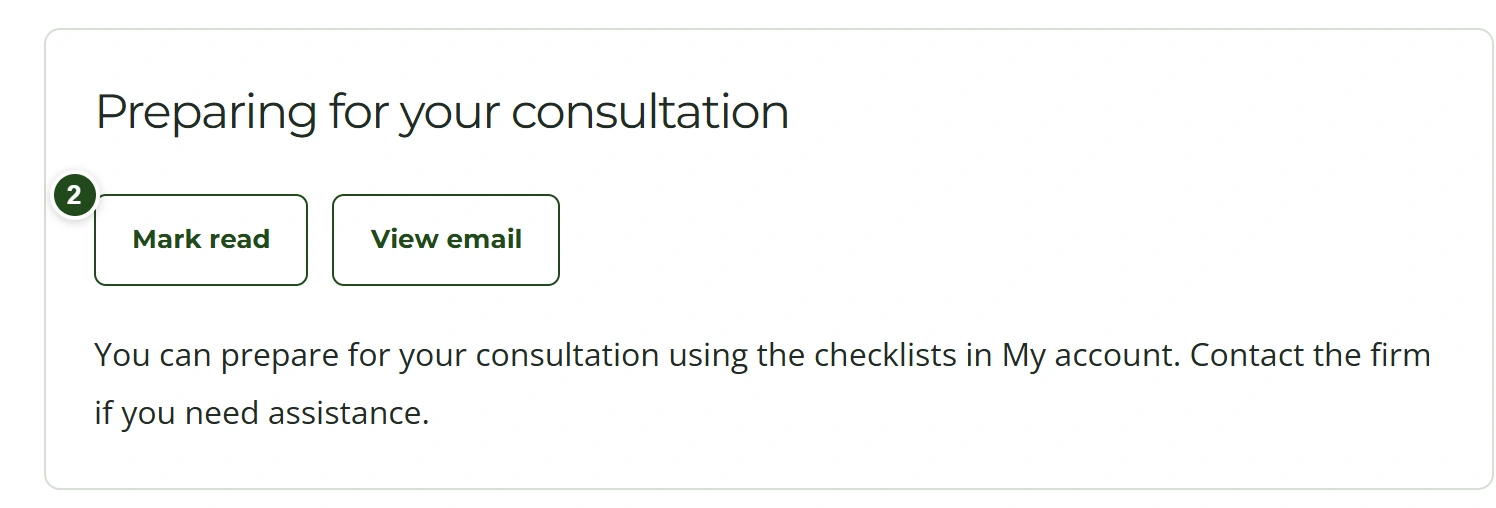
- Open a message to read its contents and, when available, its email preview.
- Use the read/unread controls to organize your messages.
 Enlarge
The bell counts unread account messages. Opening an email outside the website does not change that count.
Download files
- Open the message containing the attachment.
- Select the file link while signed in to the recipient account.
- If an older message contains a confidential file, follow its account link and sign in before downloading.
Regular attachments may also accompany the email. Confidential files in historical messages retain their account-only access restrictions.
Need a hand?
If a file is unavailable, contact the firm. Do not use someone else’s account or forward private access information.