
Choose and complete a checklist
- Open Checklists in My account. Lists under Assigned to you appear first when your bookings match their audience.
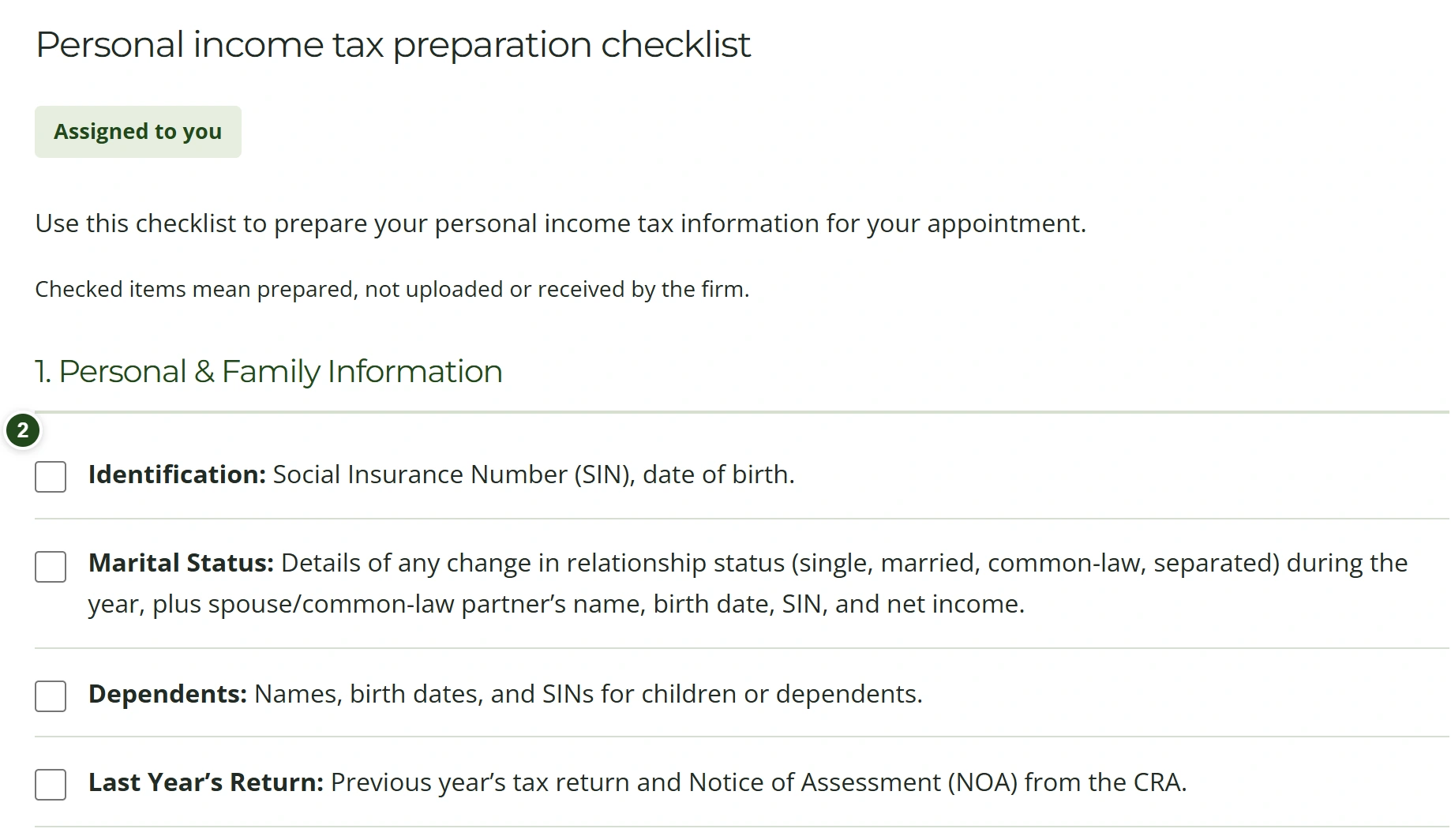
- Choose a checklist; it opens automatically. Follow the numbered sections and check each preparation item when ready.
- Choose Save progress before switching lists or leaving the page to keep your progress across devices.
 Enlarge
Headings and instructions are not checkboxes. Checkmarks mean prepared, never uploaded or received. Public checklists remain accessible even when they are not assigned to you.
Need a hand?
New or revised items may require preparation again. Ask the firm which documents apply to your situation.
Print or save a PDF
- Choose the checklist you want to keep.
- Select Print or save PDF, then choose your printer or your browser’s PDF option.
The print layout removes website controls and keeps the selected checklist readable.